Media: overview and guides
Media · Guide
Upload, find and delete files in the media library
You can upload files directly in the media library or wherever you need them, for example in a product or course. They all end up here.
The steps in Merchavio
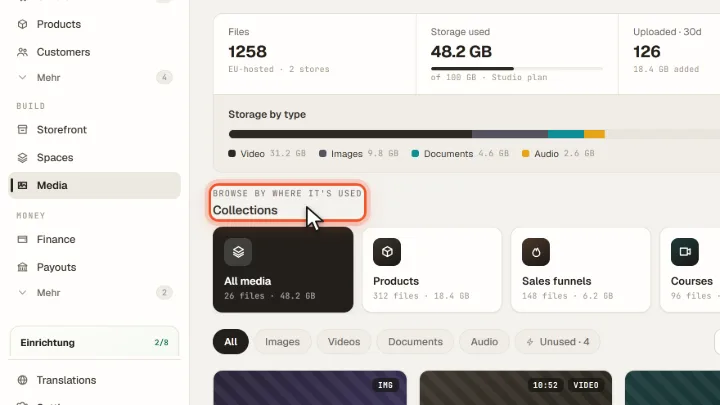
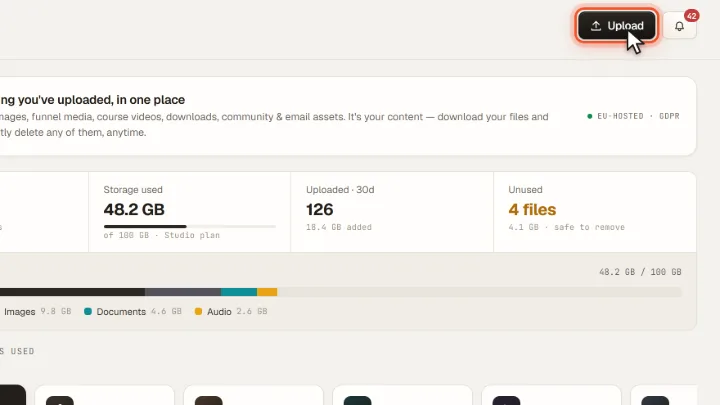
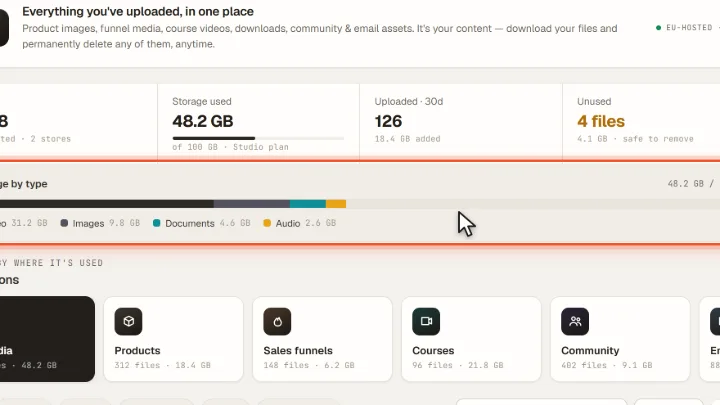
Screenshots from Merchavio with sample data. The coloured frame shows where to click.
Upload
Open Media (under More in the sidebar) and click Upload. You can select several files at once or simply drag them onto the page.
Check storage
At the top you see the storage used by your plan, split into video, images, documents and audio. Unused shows files that are not used anywhere and can be removed.
Find files
Under Collections you browse files by where they are used: products, courses, community, emails, downloads. Open a file to see where it is used, download it or delete it permanently.