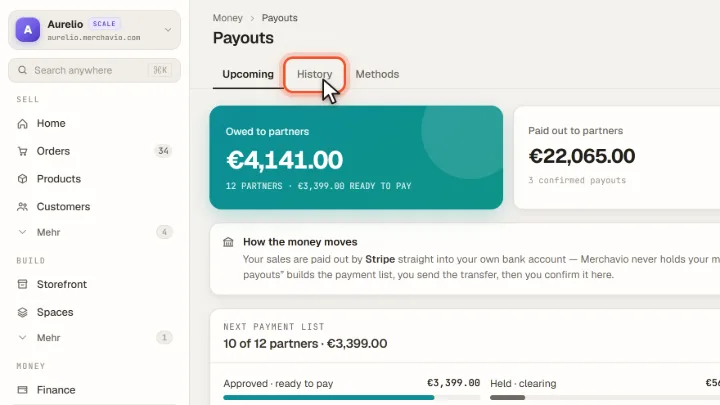
Payouts: overview and guides
Payouts · Guide
Pay your affiliates: payment list, transfer, confirm
A payout run takes three steps. Commissions still in the refund window or waiting for verification are held back automatically.
The steps in Merchavio
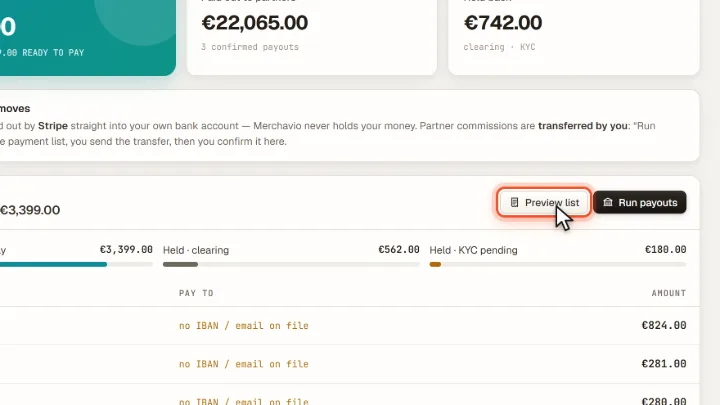
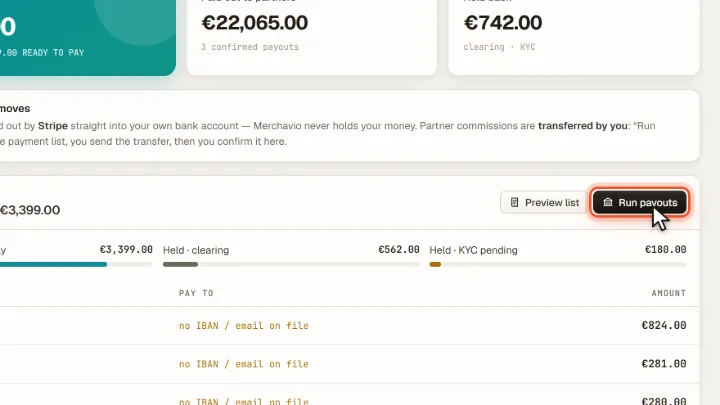
Screenshots from Merchavio with sample data. The coloured frame shows where to click.
Check the list
Open Payouts. Under Next payment list you see each affiliate with payment details and amount. Preview list shows the list in full.
Create the payment list
Run payouts builds the payment list. Transfer the amounts from your bank account, for example as a SEPA transfer.
Confirm
Confirm in Merchavio once the transfer has really left your bank. Only then are the balances booked and the affiliates notified.
History
Under History you find every confirmed payout with date, number of affiliates, amount and status.