Affiliates: overview and guides
Affiliates · Guide
Set up your affiliate program: commission and rules
Before you invite partners, set what they earn and under which rules.
The steps in Merchavio
Screenshots from Merchavio with sample data. The coloured frame shows where to click.
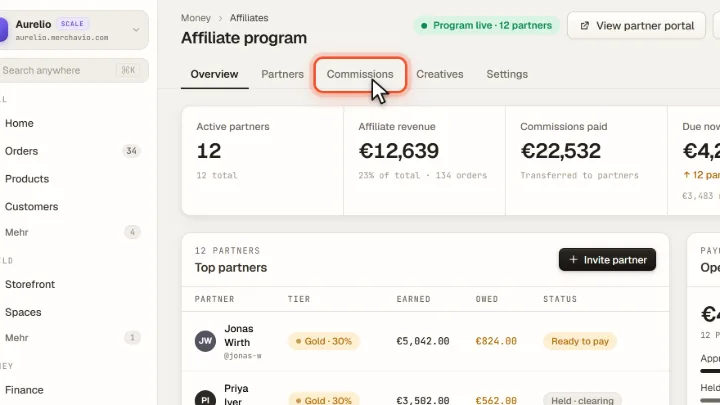
Open Commissions
Open Affiliates (under More in the sidebar) and click the Commissions tab.
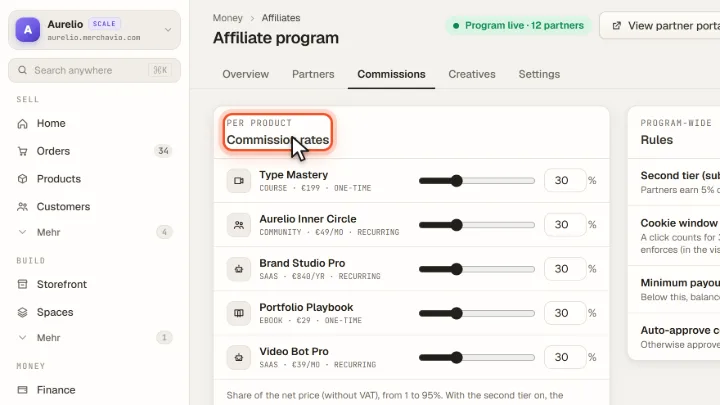
Commission per product
Under Commission rates set the commission for each product with the slider, anywhere from 1% to 100% of the net price (up to 95% while the second tier is on). For subscriptions the commission is paid on every recurring payment.
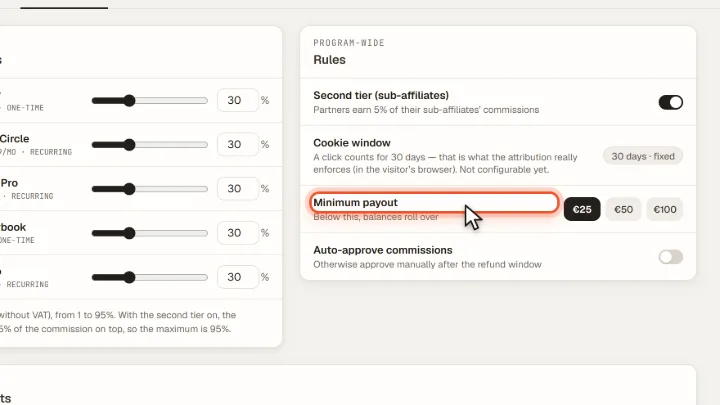
Rules
Under Rules you set the second tier, the Minimum payout and whether commissions are approved automatically or manually after the refund window.