Affiliates: overview and guides
Affiliates · Guide
Provide banners and copy templates for your affiliates
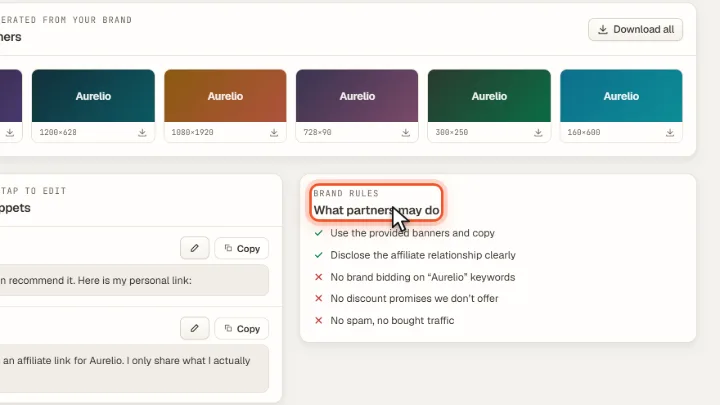
Banners and texts for your partners are ready in the Creatives tab, together with your rules on what partners may do.
The steps in Merchavio
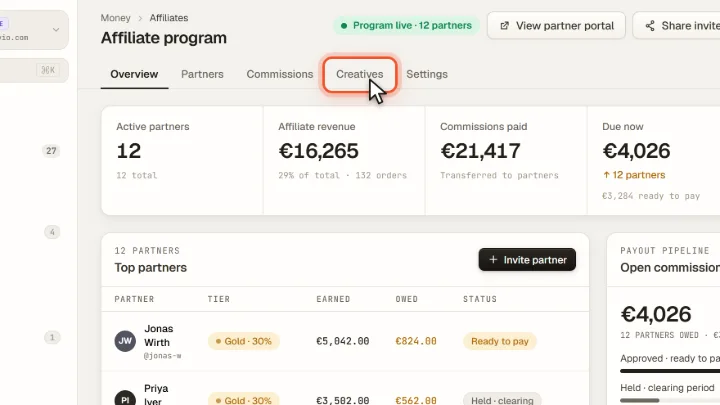
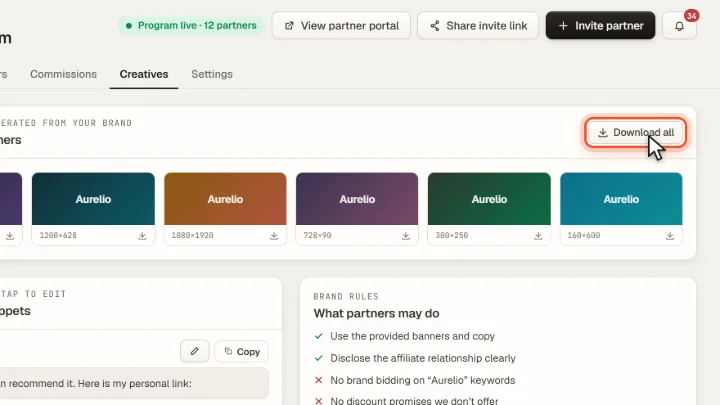
Screenshots from Merchavio with sample data. The coloured frame shows where to click.
Open Creatives
Open Affiliates and click the Creatives tab.
Banners
Under Ready-made banners you find banners in common sizes for feeds, stories and websites. Download all downloads them.
Copy and rules
Copy templates for email and social media already contain the affiliate disclosure. Under Brand rules partners see what is allowed: disclose the affiliate relationship, no brand bidding, no spam.