Customers: overview and guides
Customers · Guide
Add customers and export your customer list as CSV
Your customer data is yours. You can add customers by hand and download the complete list at any time.
The steps in Merchavio
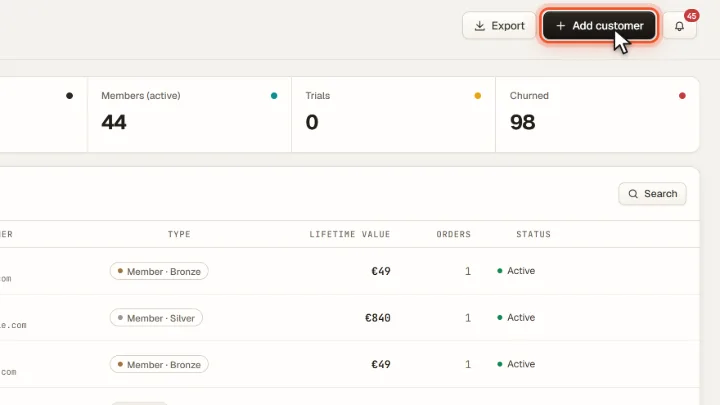
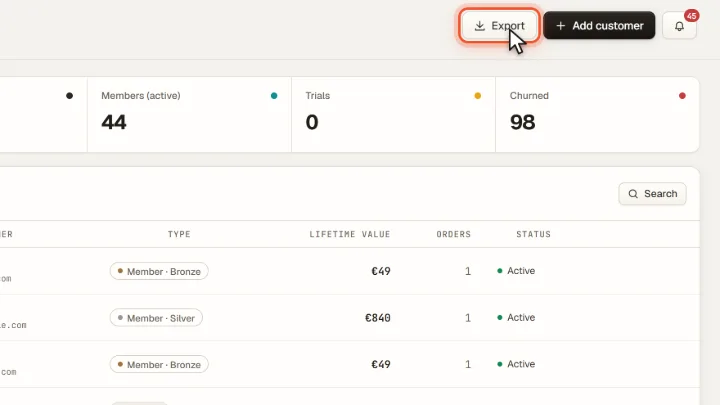
Screenshots from Merchavio with sample data. The coloured frame shows where to click.
Add a customer
Open Customers and click Add customer to enter a customer by hand.
Export the list
Export downloads all customers as a CSV file that opens in Excel, Numbers or Google Sheets.
Frequently asked questions
May I email all customers in the export?
Only people who have agreed to receive marketing emails. Merchavio's email marketing only sends campaigns to subscribers with a confirmed double opt-in.