Customers: overview and guides
Customers · Guide
Use the customer list: members, buyers and lifetime value
The customer list shows each person once, no matter how often they bought. The type tells you whether someone is a one-time buyer or a member with a subscription.
The steps in Merchavio
Screenshots from Merchavio with sample data. The coloured frame shows where to click.
Open Customers
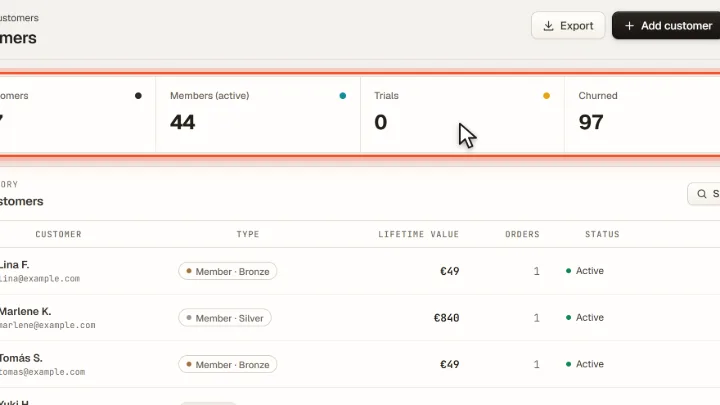
Click Customers in the sidebar. At the top you see All customers, Members (active), Trials and Churned.
Find a customer
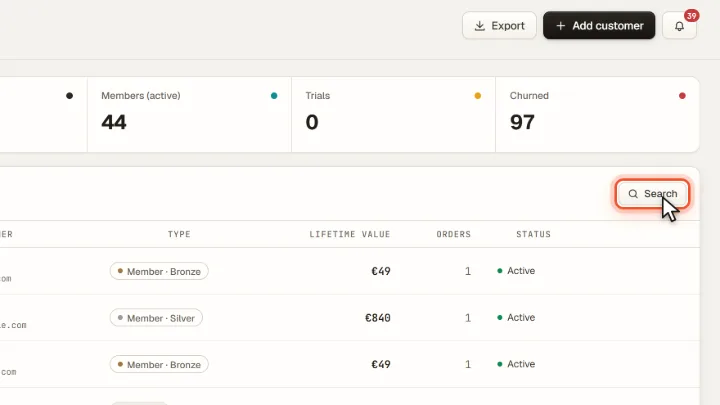
With Search you find a customer by name or email address.
Read the list
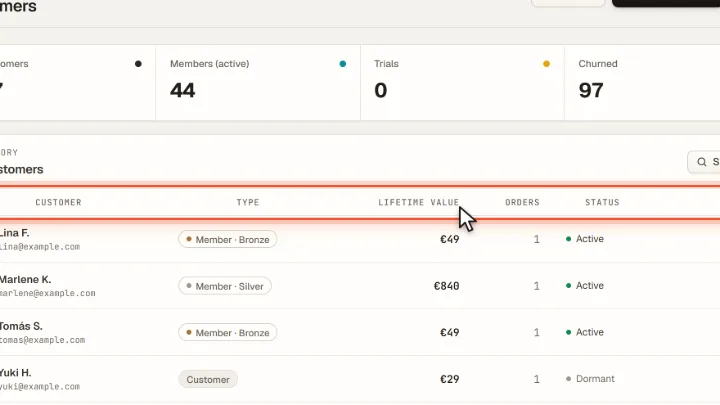
Each row shows Type (customer or member with tier), Lifetime value, number of Orders and Status. The mail icon copies the email address.