Finance: overview and guides
Finance · Guide
Liquidity forecast: how much money will you have?
The forecast uses the average of the last three complete months from your EÜR plan and your receipts, and projects it forward. It is an estimate and marked as such.
The steps in Merchavio
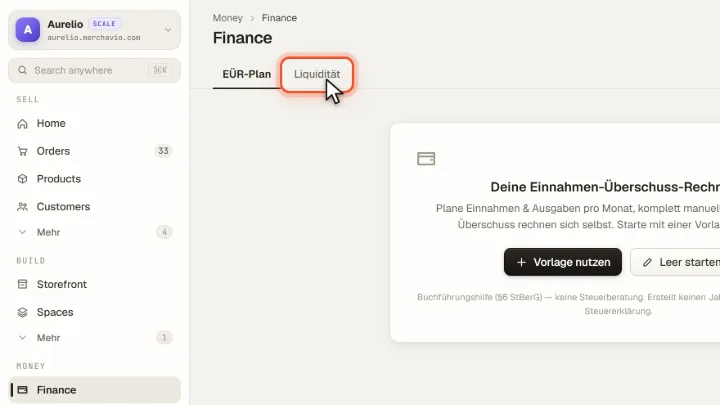
Screenshots from Merchavio with sample data. The coloured frame shows where to click.
Open the forecast
Open Finance and click the Liquidität tab. Without an EÜR plan you first create one in the EÜR-Plan tab.
Read the forecast
You see the monthly result of recent months and the projection for the coming months. Choose how far ahead the forecast should look.