Orders: overview and guides
Orders · Guide
Find, filter and export orders
The order list shows the newest orders first. Filters and search help you find a specific purchase in seconds, and the export gives you every order as a spreadsheet.
The steps in Merchavio
Screenshots from Merchavio with sample data. The coloured frame shows where to click.
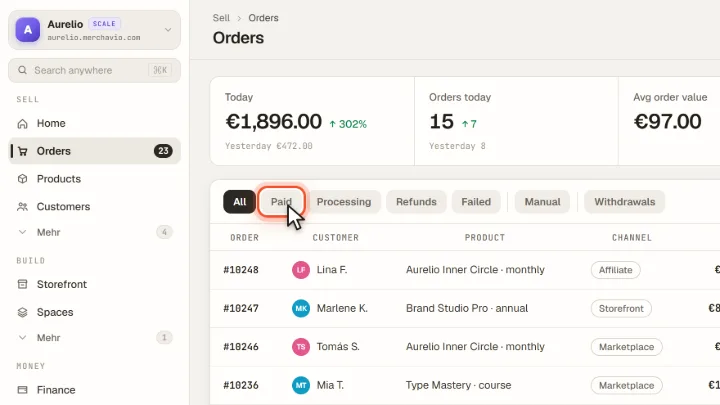
Open Orders and filter
Click Orders in the sidebar. Above the list you filter by All, Paid, Processing, Refunds, Failed and Manual. Withdrawals lists the withdrawals buyers submitted in your store.
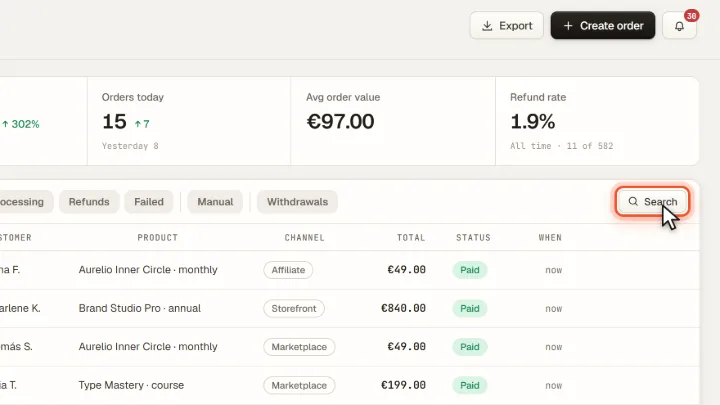
Search
With Search you look for a name, an email address, a product, an order number or a channel such as "Affiliate".
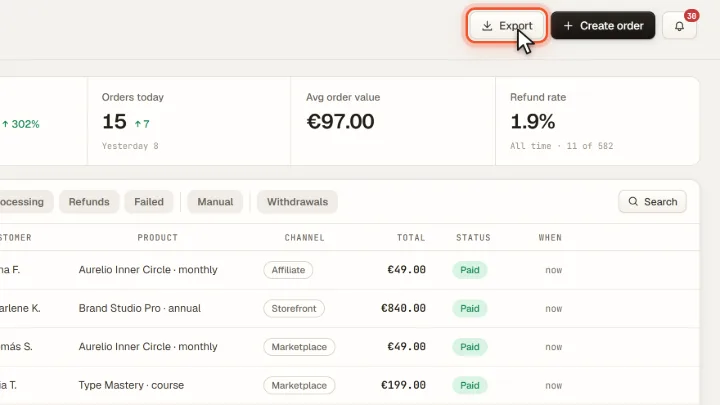
Export
Export downloads all orders as a CSV file with order number, date, customer, product, channel, amount, currency and status.