Marketing: overview and guides
Marketing · Guide
Build UTM links to see which channel brings sales
Merchavio loads no advertising pixels in your store. Instead, you tag your links with UTM parameters: the link builder assembles them for you.
The steps in Merchavio
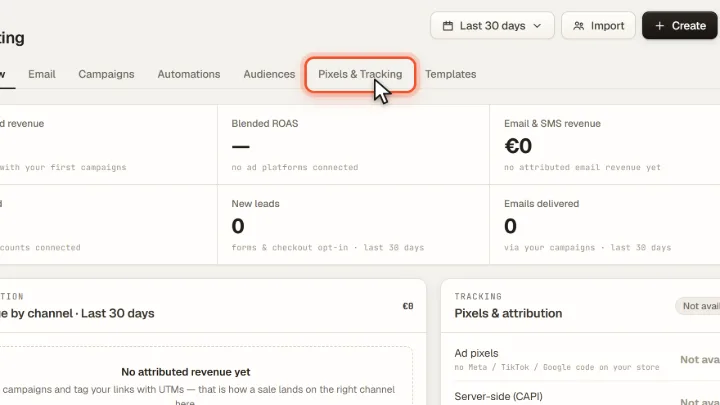
Screenshots from Merchavio with sample data. The coloured frame shows where to click.
Open Pixels & Tracking
Open Marketing and click the Pixels & Tracking tab. It explains what Merchavio loads in your store and contains the UTM builder.
Build the link
Enter the address of your product or store and the source, for example "instagram", the medium and the campaign. Copy the finished link and use it in your bio, video or email.