Settings: overview and guides
Settings · Guide
Set the app icon for your store and community
Your store and community can be installed on phones as a web app with your name and icon, without an app store and without app store commission.
The steps in Merchavio
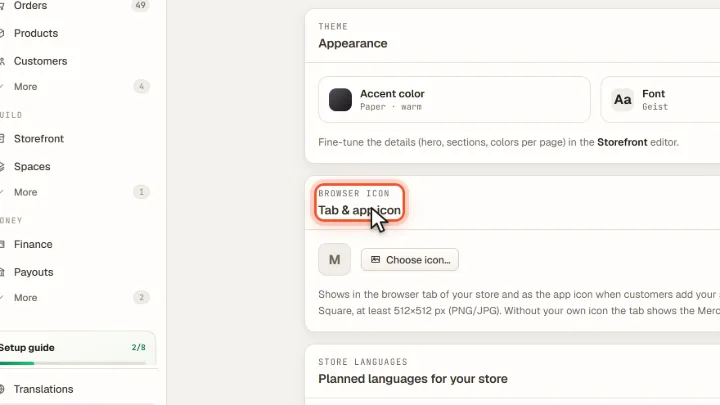
Screenshots from Merchavio with sample data. The coloured frame shows where to click.
Upload the icon
Open Settings and then Branding & theme. Under Tab & app icon click Choose icon… and upload a square image of at least 512 × 512 pixels (PNG or JPG).