Settings: overview and guides
Settings · Guide
Invite your team and assign roles
Depending on your plan you have 2 to 50 team seats. Each teammate gets their own login and only the rights you grant.
The steps in Merchavio
Screenshots from Merchavio with sample data. The coloured frame shows where to click.
Invite
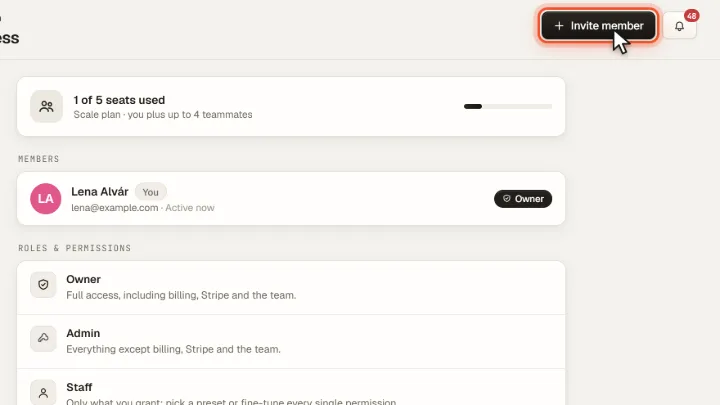
Open Settings and then Team. Click Invite member and enter the email address.
Choose a role
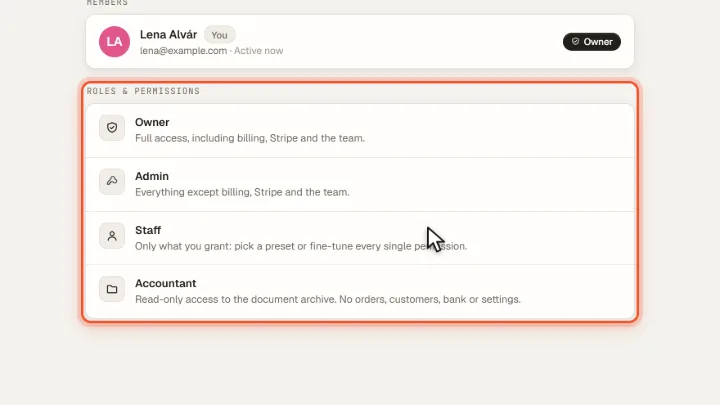
Admin may do everything except billing, Stripe and the team. Staff only gets what you grant, from a preset or permission by permission. Accountant only reads the document archive.