Spaces: overview and guides
Spaces · Guide
Design your community with the community builder
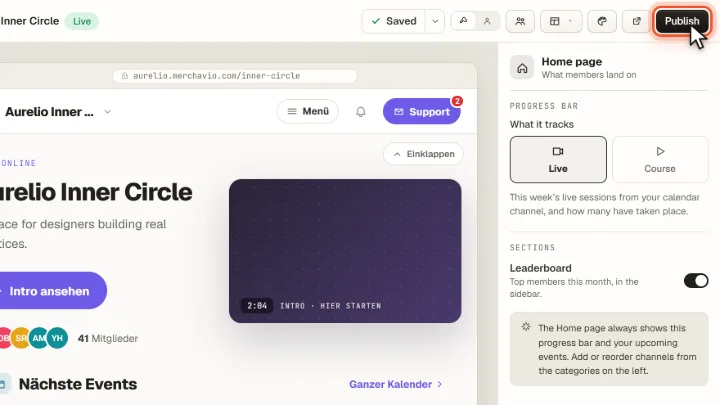
The community builder shows your community as members see it. On the left you organise categories and channels, in the middle you edit the start page.
The steps in Merchavio
Screenshots from Merchavio with sample data. The coloured frame shows where to click.
Open the builder
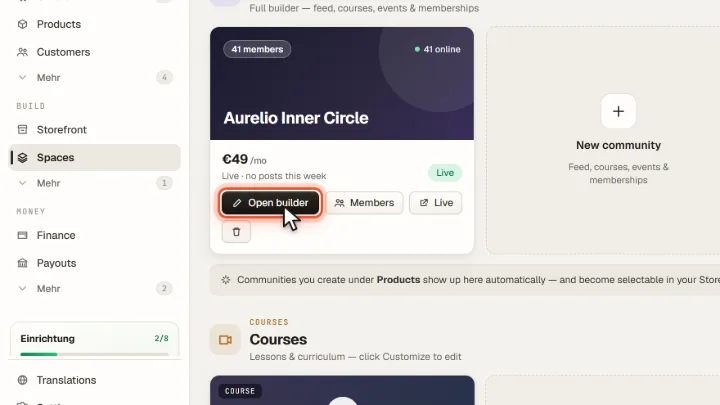
Open Spaces in the sidebar and click Open builder on your community.
Categories and channels
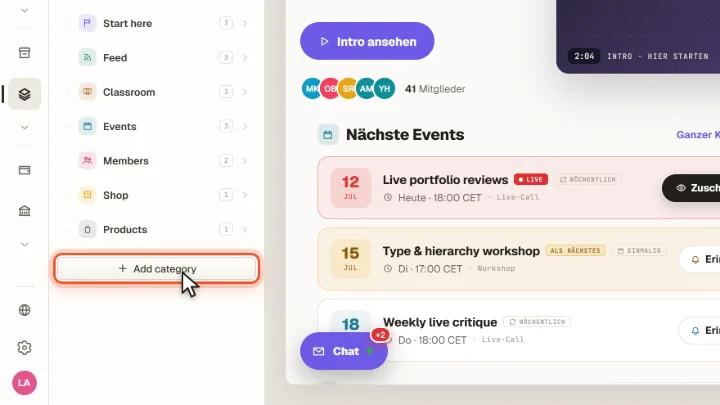
On the left you see categories such as Start here, Feed, Classroom or Events with their channels. Add category adds a new group.
Style
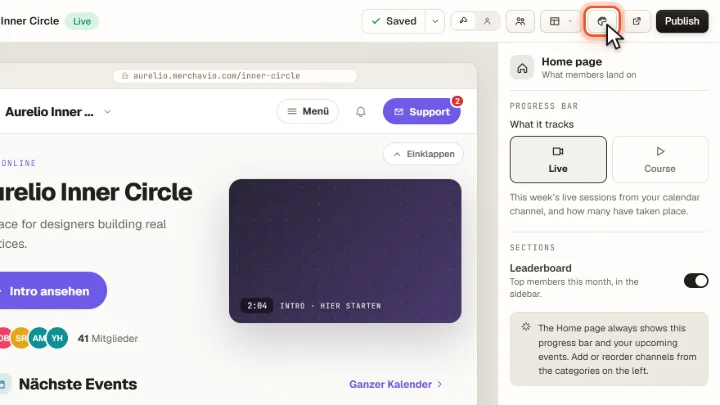
Community style sets colours and layout.
Publish
Changes are saved automatically. Publish makes them visible to members, View live opens the community.