Spaces: overview and guides
Spaces · Guide
Manage community members and roles
Buyers become members automatically. In the member list you give trusted members a role.
The steps in Merchavio
Screenshots from Merchavio with sample data. The coloured frame shows where to click.
Open the community builder
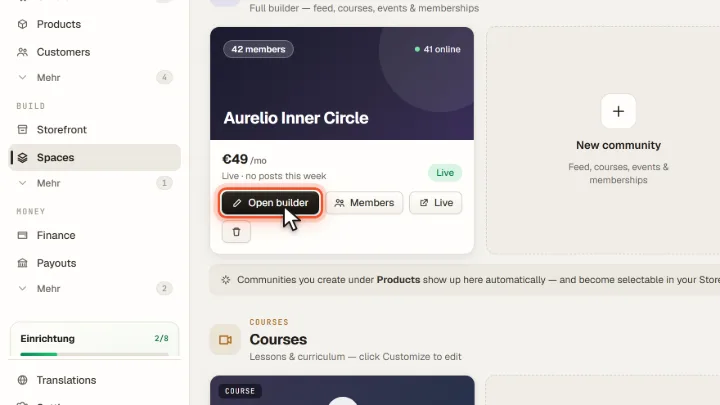
Open Spaces and click Open builder on your community.
Open Members
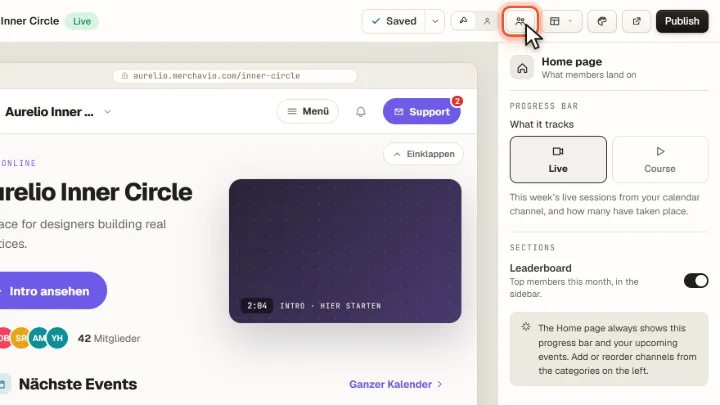
Click Members at the top of the builder.
Assign roles
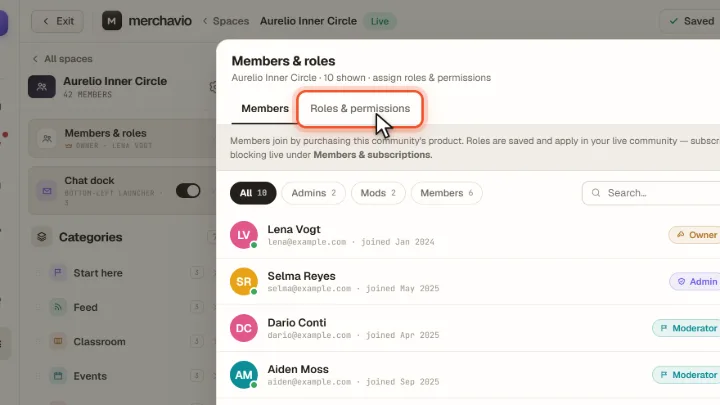
Each member is shown with email and join date. Assign the role Admin, Moderator or Member; Roles & permissions shows what each role may do. New members join by buying the community.