Spaces: overview and guides
Spaces · Guide
Create a link in bio page with your products
A link page bundles everything for your social media bio: products from your store with prices, any web links and folders. It needs no cookie banner, because nothing is stored in the visitor's browser.
The steps in Merchavio
Screenshots from Merchavio with sample data. The coloured frame shows where to click.
Create a link page
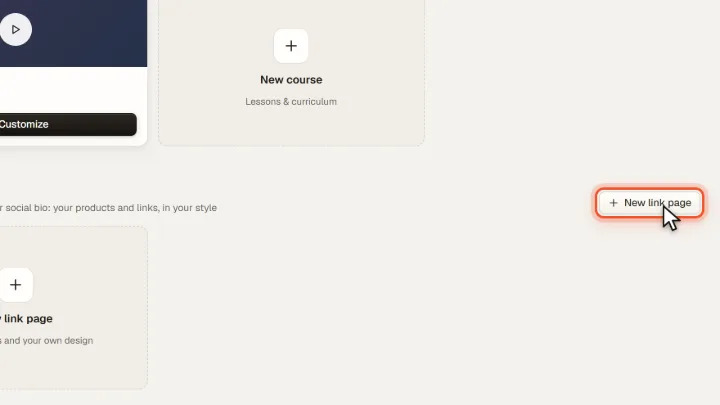
Open Spaces and click New link page under Link in bio.
Add buttons
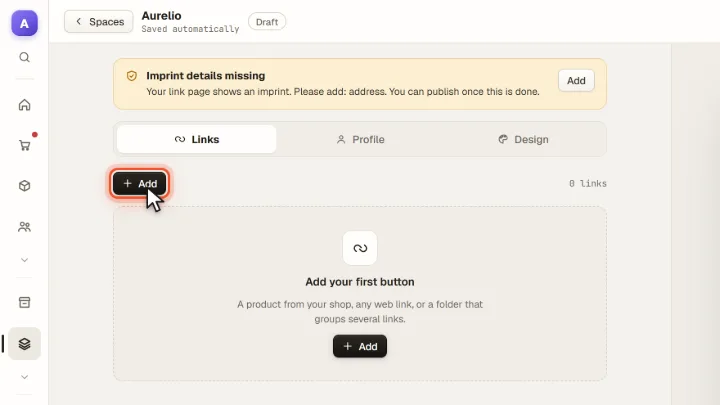
Add creates a button: a product from your store, a web link or a folder that groups several links. Sponsored links are labelled as ads.
Profile and design
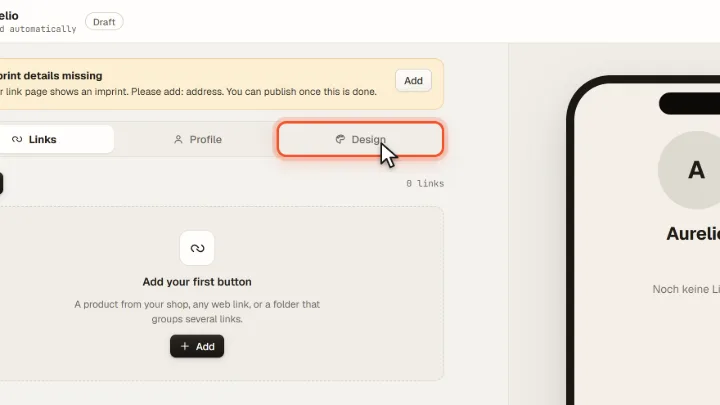
Under Profile you set your name, picture and bio, under Design colours and background.
Publish
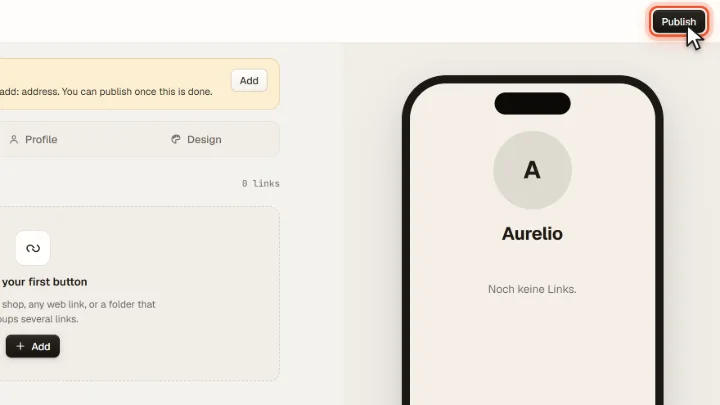
The page shows an imprint. As long as details such as your address are missing, a notice tells you what to add; then you can Publish.