Storefront: overview and guides
Storefront · Guide
Connect your own domain to your store
Your store is always reachable at <store>.merchavio.com. With your own domain it runs under your brand; Merchavio takes care of the SSL certificate.
The steps in Merchavio
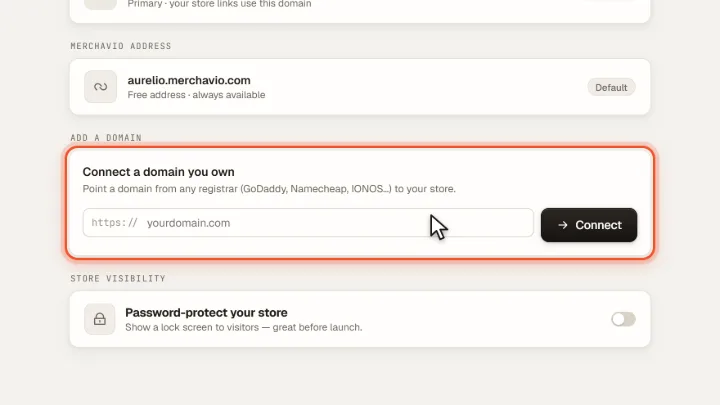
Screenshots from Merchavio with sample data. The coloured frame shows where to click.
Open Domains
Open Storefront and click the Domains tab. Under Add a domain enter your domain and click Connect.
Set the DNS record
Merchavio shows you the DNS record to set at your domain provider. As soon as it is active, the domain shows "Live · SSL" and your store links use your primary domain.
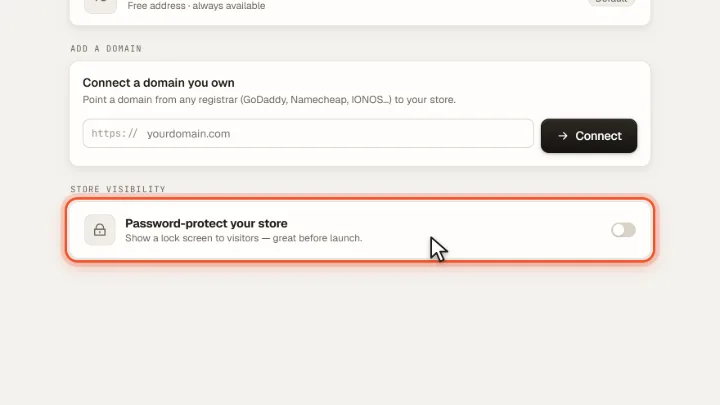
Password before launch
Not ready yet? Password-protect your store shows visitors a lock screen until you launch.