Storefront: overview and guides
Storefront · Guide
Add pages to your store
Your store consists of the home page, a sales page per product and your own pages. Legal texts are normal pages too.
The steps in Merchavio
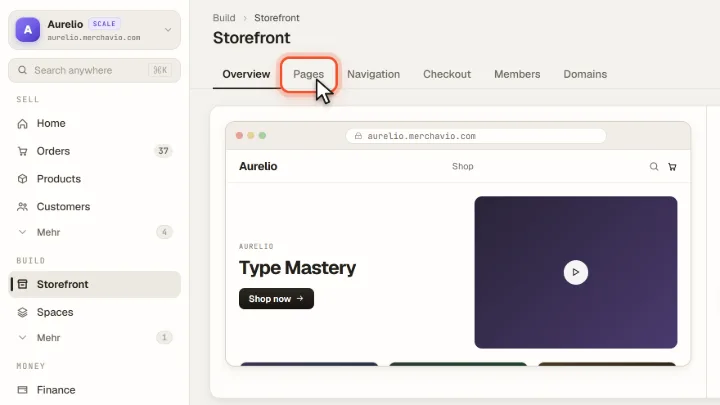
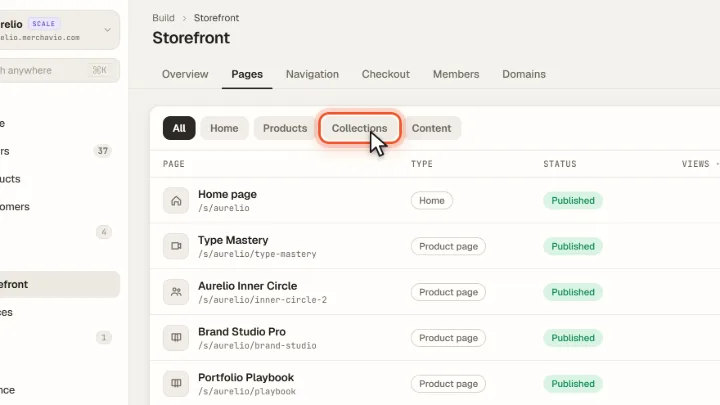
Screenshots from Merchavio with sample data. The coloured frame shows where to click.
Open Pages
Open Storefront and click the Pages tab.
Your pages
The list shows each page with address, type (home, product page, content), status and views of the last 30 days. Above it you filter by Home, Products, Collections and Content.
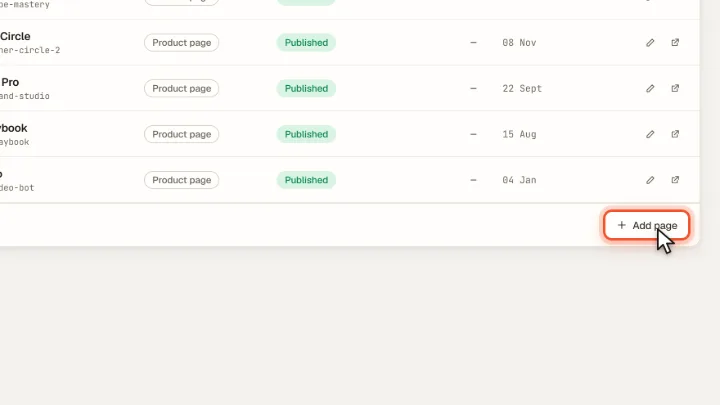
Add a page
Add page creates a new page that you design in the builder. In the page settings (gear icon next to the page name) you choose under Show in menu whether it appears in the header, in the footer or nowhere. The AI assistant can also create pages such as About me, Contact or a page for your coaching from your storefront brief.